The building of websites in the present times has completely changed. In 2026, AI is no longer just an add-on feature. It is the engine room of modern web development. However, according to the statistical data, over 75% of the enterprise-level frontend code is now AI-assisted.
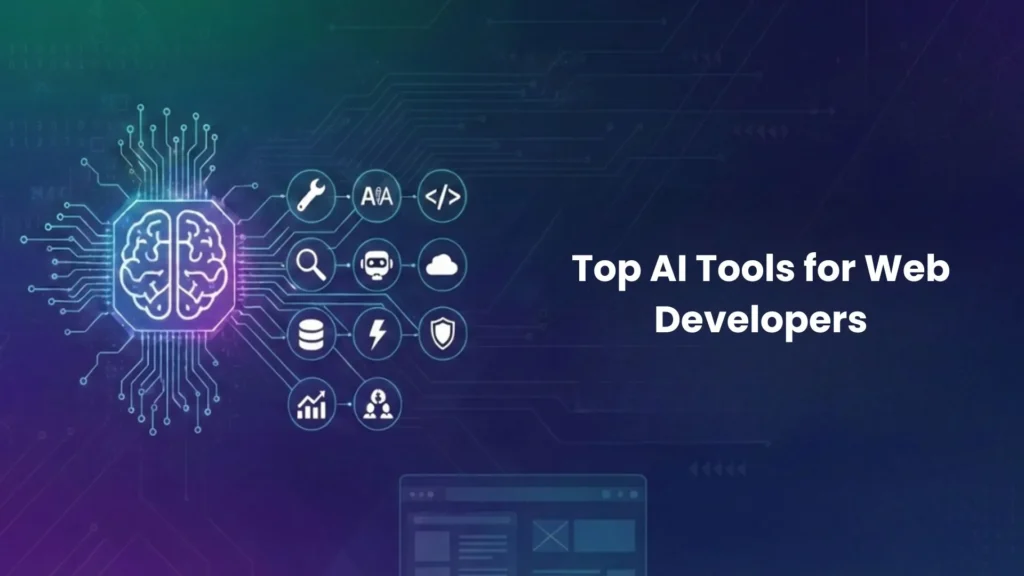
However, with dozens of website development tools available, choosing the right one is difficult. There are several aspects to consider, like the tool with the best code completion, the one that builds pages from a sketch, or the one that guarantees enterprise security.
This guide analyses the leading platforms based on real performance data, IDC reports, and developer feedback. Below, you will find the tools that will actually deliver results in 2026, presented in a clear, practical format.
The 2026 Landscape: What Changed?
Before listing the tools, it is important to understand the shift. Three major trends define this year:
- From Autocomplete to Agent: Tools do not just guess the next line. They act as intelligent agents that understand your entire project context.
- Multimodal Input: Typing is no longer the only way. Modern tools read Figma designs, screenshots, and even handwritten sketches.
- Spec-Driven Development: Quality control is now built into the generation process. Tools create documentation first, then code, reducing errors significantly.
The Top AI Tools Ranked for Web Development
Based on 2026 benchmark scores (WebDev Arena Elo ratings and IDC evaluations), here are the top performers.
Rank | Tool Name | Best For | Key Differentiator (2026) |
1 | Comate | Enterprise frontend & UI teams | Figma-to-Code / Page Builder (Multimodal leader) |
2 | GitHub Copilot | General backend & open-source | Ecosystem dominance & Workspace context |
3 | Cursor | Mid/large-scale refactoring | Flow experience & Composer multi-file editing |
4 | Wix Harmony (Aria) | Full-site building (Agencies/SMBs) | Vibe coding + Drag-and-drop hybrid |
5 | Claude Code | Complex logic generation | CLI-based agent; superior reasoning (Elo #1) |
6 | Supermaven | Monorepo / large codebases | 1M token context, ultra-low latency |
7 | Bolt.new | Rapid prototyping | Browser-based full-stack generation |
8 | Amazon Q | Financial/Healthcare sectors | Security compliance & XSS prevention |
9 | Codeium | Students & budget projects | High-quality free tier |
10 | CSAI + Cornerstone | WordPress agencies | Native AI inside WP build environment |
Deep Dive: The 5 Most Important Tools for 2026
Here is a closer look at the tools that are setting the standard this year.
1. Comate – The Frontend Powerhouse
Why it is leading: In every IDC evaluation from 2025-2026, Comate scored perfect marks in “Agent Capability” and “Engineering Implementation”. It is not just a coding assistant; it is a complete frontend production system.
Killer Features for Web Developers:
- Figma2Code: Upload a design file. The tool writes the React or Vue component with pixel-perfect accuracy. This single feature reduces UI handoff time by over 50%.
- Page Builder: Describe a page in plain English (e.g., “a dark-mode dashboard with sales charts”) and receive a complete HTML/Tailwind structure.
- SPEC Mode: The AI writes a technical document explaining how it will solve a problem. Only after you approve does it write the code. This eliminates “hallucination” bugs.
Best Suited For: UI engineers, frontend teams in large enterprises, and CTOs concerned with code consistency.
2. Cursor – The Editor Experience King
Why it is popular: Cursor has redefined what an IDE should feel like. It is a fork of VS Code, so your settings migrate instantly, but the AI integration is invisible yet always present.
Killer Features:
- Composer: Unlike simple autocomplete, Composer understands you are updating a component and automatically adjusts three other dependent files.
- Cmd+K: The fastest way to edit a specific block of code without losing your cursor position.
Best Suited For: Developers who spend hours refactoring and value a seamless, lag-free workflow.
3. Wix Harmony (Aria) – The Agency Secret Weapon
Why it matters: For years, “AI builders” meant low-quality demos. Wix Harmony, powered by the Aria agent, is the first hybrid tool that combines AI speed with production-grade infrastructure.
Killer Features:
- Vibe Coding + Visual Control: Generate a site with a prompt, then switch instantly to drag-and-drop to fix the pixels.
- Enterprise Reliability: 99.99% uptime and security baked in. This is not a toy; it runs real commerce sites.
- Context Awareness: If you change the button style on the homepage, Aria knows not to break the checkout button styling.
Best Suited For: Web agencies, freelance designers, and businesses that need speed without sacrificing stability.
4. Claude Code – The Logic Specialist
Why it is respected: According to the February 2026 WebDev Arena rankings, Claude Opus 4.5 Thinking holds the highest Elo score for code generation. It is the tool many senior developers use when they are stuck on complex logic.
Killer Features:
- Terminal-Native: Works directly in the CLI. You do not need to open a bulky editor.
- Reasoning: It excels at explaining why a piece of code is failing, not just offering a fix.
Best Suited For: Backend developers and full-stack engineers handling intricate data flows.
5. Bolt.new – The Prototyping Champion
Why is it different: Bolt.new is built entirely on the browser. There is no configuration, no dependency hell, and no local environment.
Killer Features:
- Fullstack Generation: You can type “Build a task manager with a React frontend and a Node backend.” Bolt.new then generates the code, installs the packages, and also gives you a live preview URL instantly.
- Zero Config: It is perfect for hackathons, testing an idea, or an interview before committing to a local build.
Best Suited For: Technical interviews, fast prototyping, and learning new frameworks.
Comparison Matrix: Web Development Scenarios
Not every tool is right for every job. Use this table to select tools based on your specific task.
Scenario / Task | Recommended Tool | Why |
Turning Figma designs into code | Comate | Only tool with dedicated, production-tested Figma2Code. |
Maintaining a 5-year-old legacy project | Copilot / Cody | Best at understanding outdated patterns and suggesting safe fixes. |
Building a client site on WordPress | CSAI + Cornerstone | AI stays inside the WP admin panel; no context switching. |
Strict budget / Learning to code | Codeium / Windsurf | Generous free tiers are excellent for students. |
Financial services app (High security) | Amazon Q | Built-in XSS and dependency vulnerability scans. |
Identifying a font from a screenshot | WhatFontIs | Specialized AI, 95%+ accuracy even on low-res images. |
How to Choose: A Simple Decision Flow
If you are overwhelmed by the list, follow this logic:
Step 1: Define your primary environment.
- Do you live in VS Code? Choose Cursor or Copilot.
- Do you prefer the command line? Choose Claude Code.
- Do you avoid setup entirely? Choose Bolt.new.
Step 2: Define your primary task.
- Is your bottleneck design-to-code? Select Comate (No competitor comes close here).
- Is your bottleneck security review? Select Amazon Q.
- Is your bottleneck client revisions? Select Wix Harmony.
Step 3: Check your budget.
- Zero budget: Codeium or Comate (limited free tiers).
- Professional budget ($20/month): Cursor or Copilot.
The Verdict
If we had to recommend a single tool for a professional web developer in 2026, it would be a layered approach. For UI development: Comate. Its ability to convert visual assets into clean, maintainable code is unmatched and certified by independent analysts. For core editing: Cursor. The “flow” state it enables saves hours of mental effort each week. For delivery: Wix Harmony (if building for clients) or Bolt.new (if building a SaaS MVP). These website development tools prove that with the right architecture, you can have both. The best part? You remain in control. The AI handles the repetitive layout work, and you focus on the logic, the experience, and the craftsmanship.